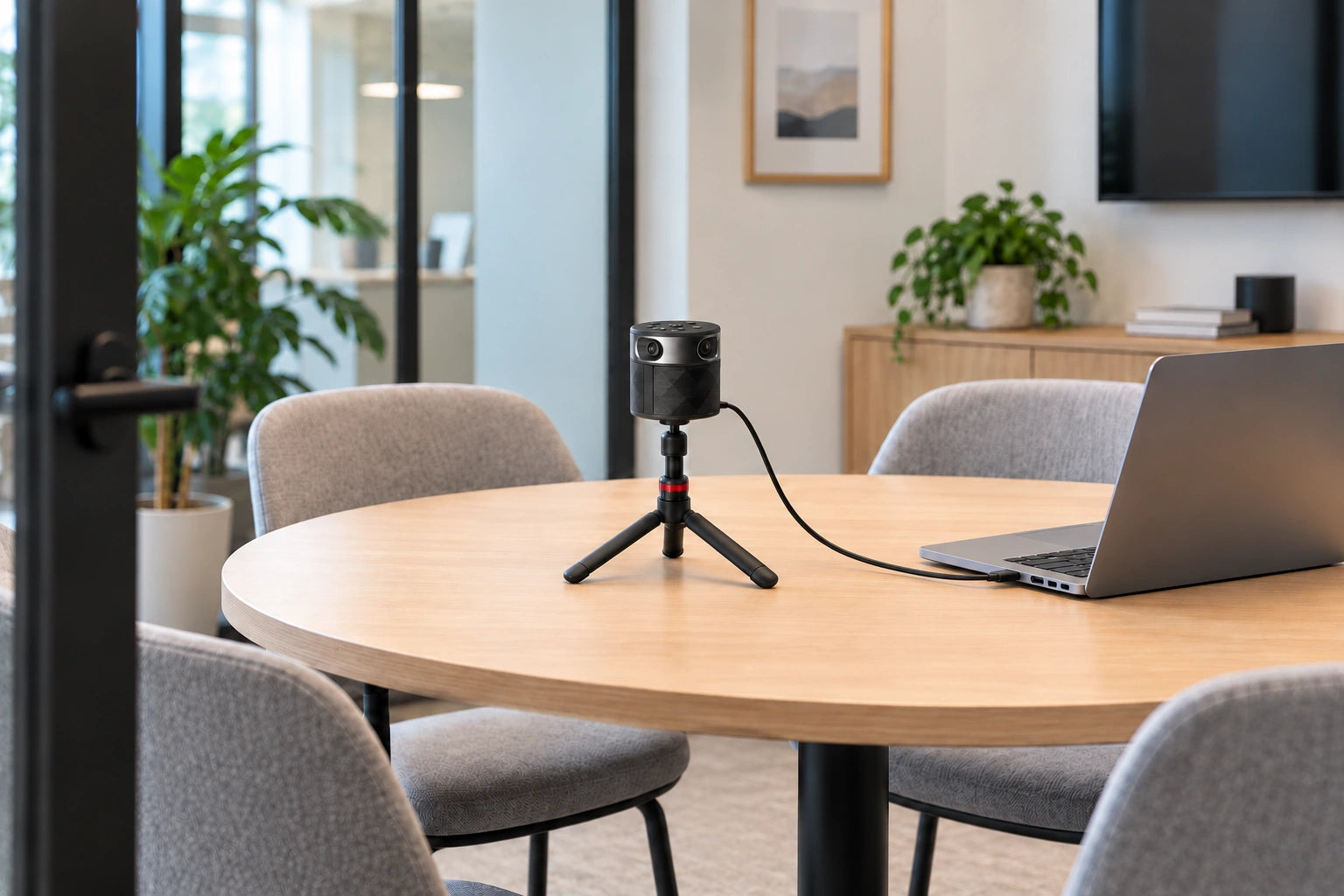
HUDDLE MEETING ROOMS
Give every seat a voice.
Meet naturally around a small table. A full 360° view includes everyone, while automatic speaker focus brings the person talking forward.

 OSO AI
OSO AI
OSO AI


360° VIDEO SPEAKER TRACKING ROOM AUDIO
Bring everyone around the table into the call. PANOCORE 360 combines four 1080p cameras, automatic speaker tracking, a three-mic array, and a 4 W speaker in one compact USB device. Use your usual meeting software, and record in-person meetings to microSD—even during USB video calls.
microSD card sold separately. USB power required.


PANOCORE 360 · ALL-IN-ONE MEETING CAMERA
Bring two teams into one conversation. A portable 360° camera, microphones, and speaker—ready for the room you’re in.
360° VISION. AUTOMATIC SPEAKER TRACKING.
Keep the speaker front and center, with everyone around the table in a full 360° panorama. Switch perspectives to suit the conversation.



One centered speaker above a continuous 360° panorama of the same four-person meeting.
A CLOSER LOOK
Explore the camera, controls, and mounting. Built around the way you meet.
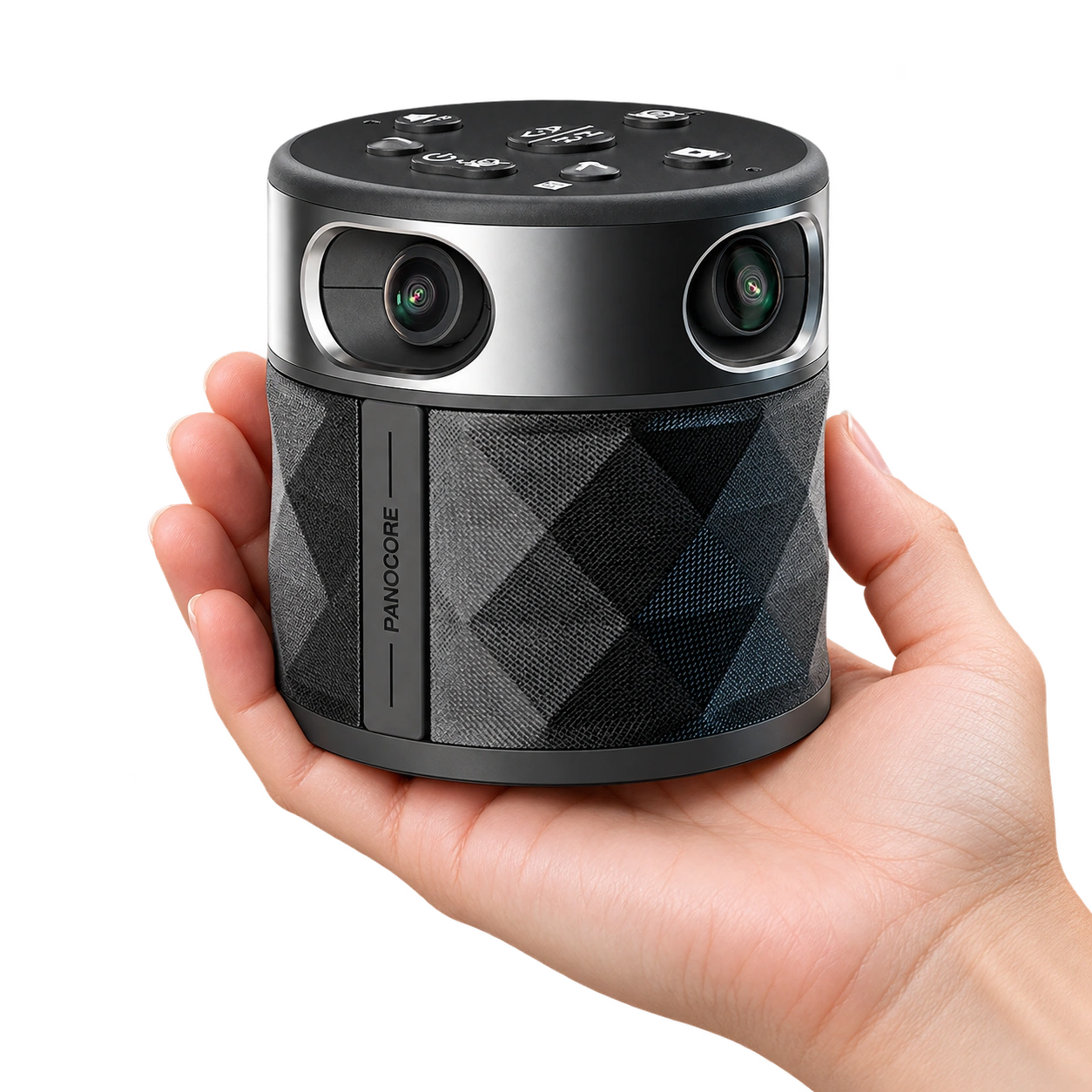
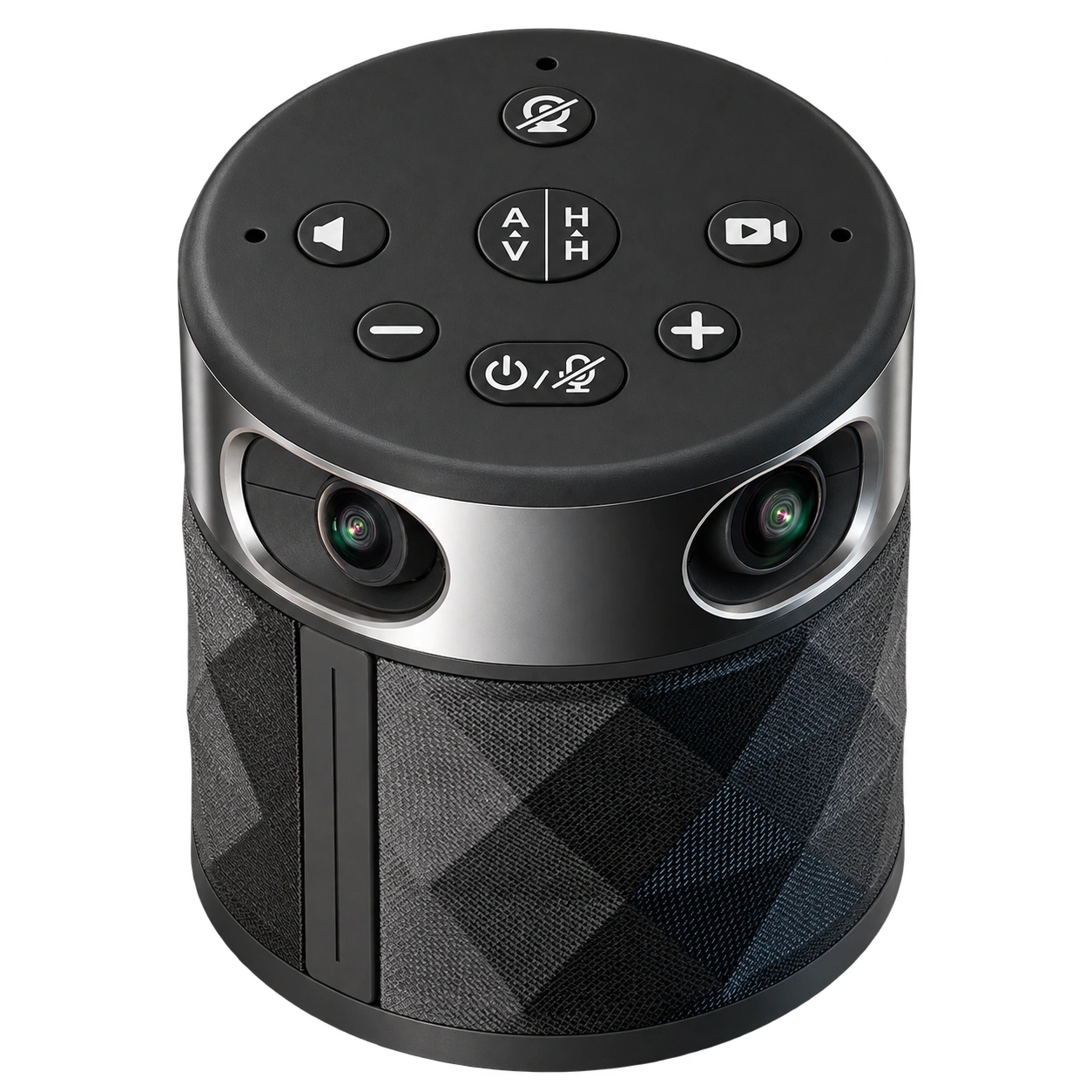
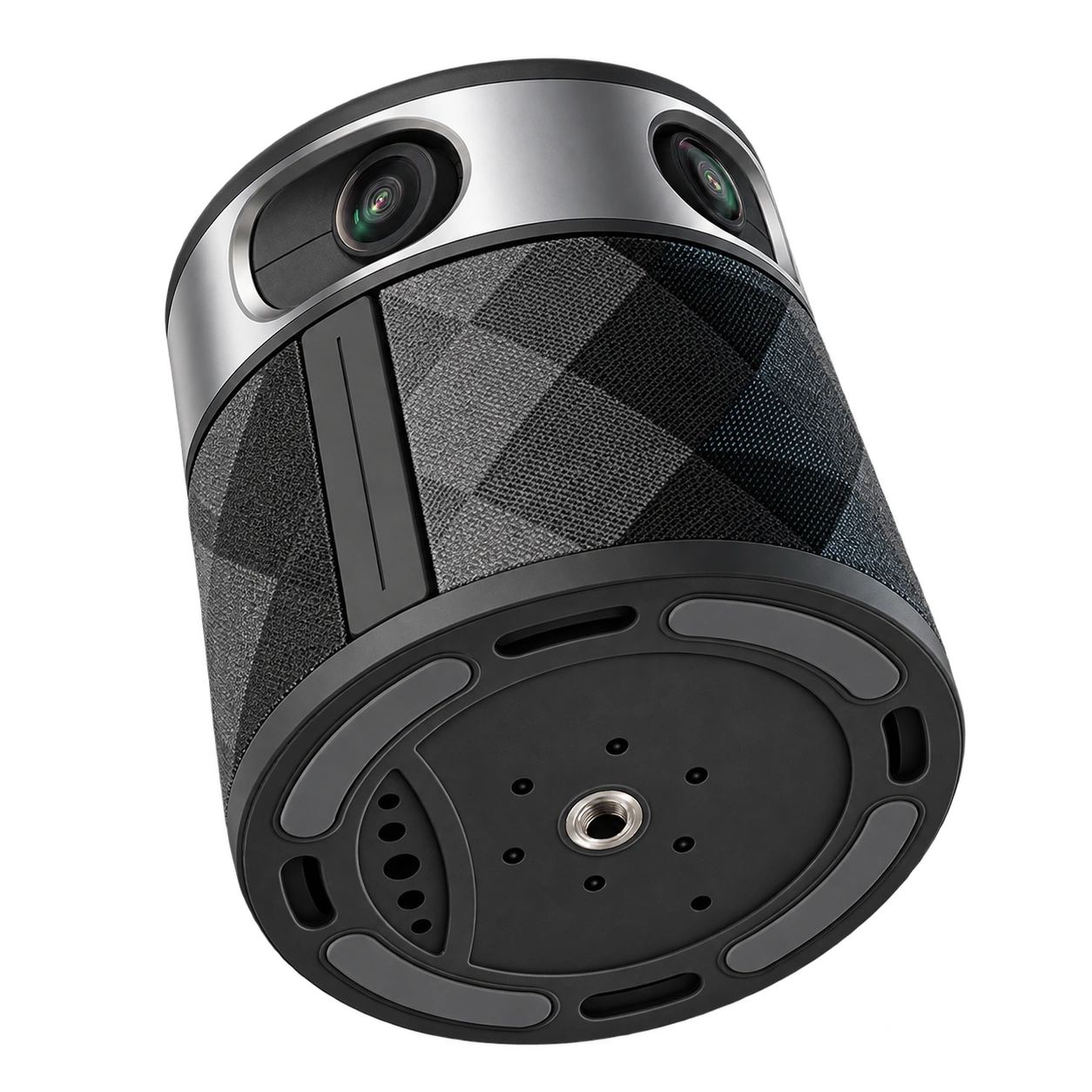
Camera, microphones, and speaker. All in an 8.5 × 9.5 cm body.
Switch views, adjust volume, mute audio, or start recording.
Adjust tripod height to suit your table and meeting space.
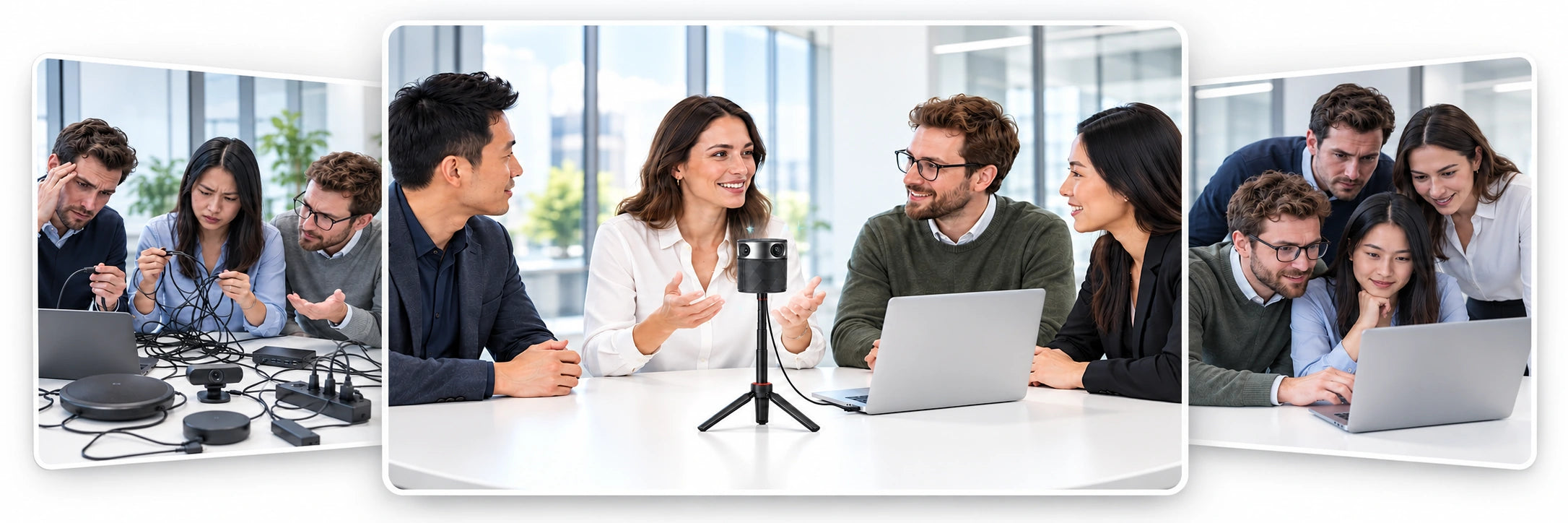
ONE CABLE. A MORE NATURAL CONVERSATION.
Leave the equipment pile and the laptop huddle behind. One PANOCORE 360, one computer, one USB cable. Everyone gets a comfortable place at the table.
PANOCORE VISION SoC
Panoramic video, speaker focus, audio, and local recording—all on device. One USB-C cable powers it all.
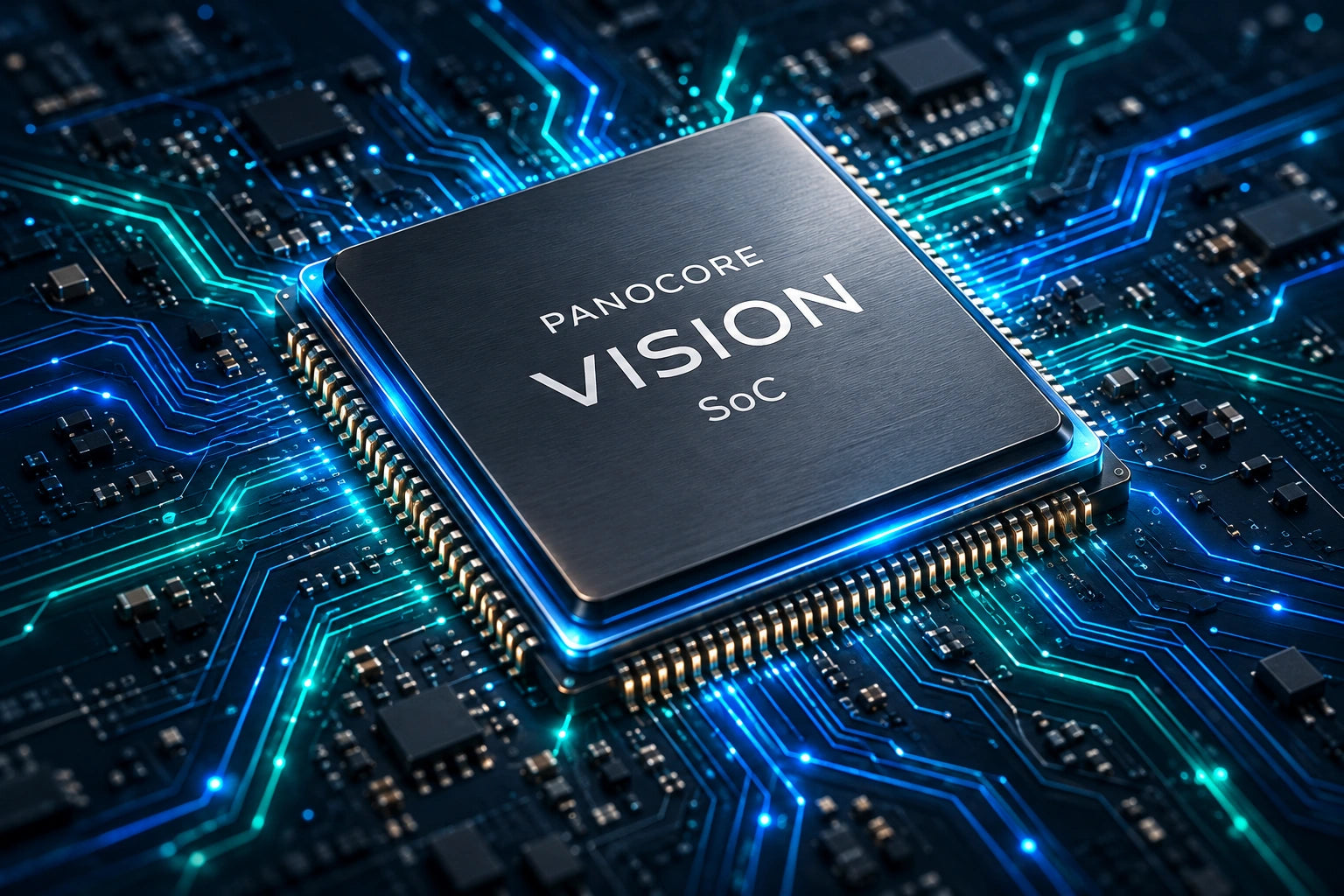
On-chip processing. On-device AV.
OS + SOFTWARE INDEPENDENT
Standard USB video + audio.
No PANOCORE app or driver.
ONE MEETING KIT. MORE POSSIBILITIES.
HUDDLE MEETING ROOMS
Meet naturally around a small table. A full 360° view includes everyone, while automatic speaker focus brings the person talking forward.

MID-SIZE CONFERENCE ROOM
Make remote colleagues part of the table. Video, microphones, and speaker come together in one shared setup for your team’s discussion.

COWORKING SPACE
Bring PANOCORE and your laptop to a reserved space. Connect one cable and meet clients face to face, without a permanent installation.

WORKING DESK
Bring nearby teammates into your next call, with a shared view and room audio that let everyone join comfortably.
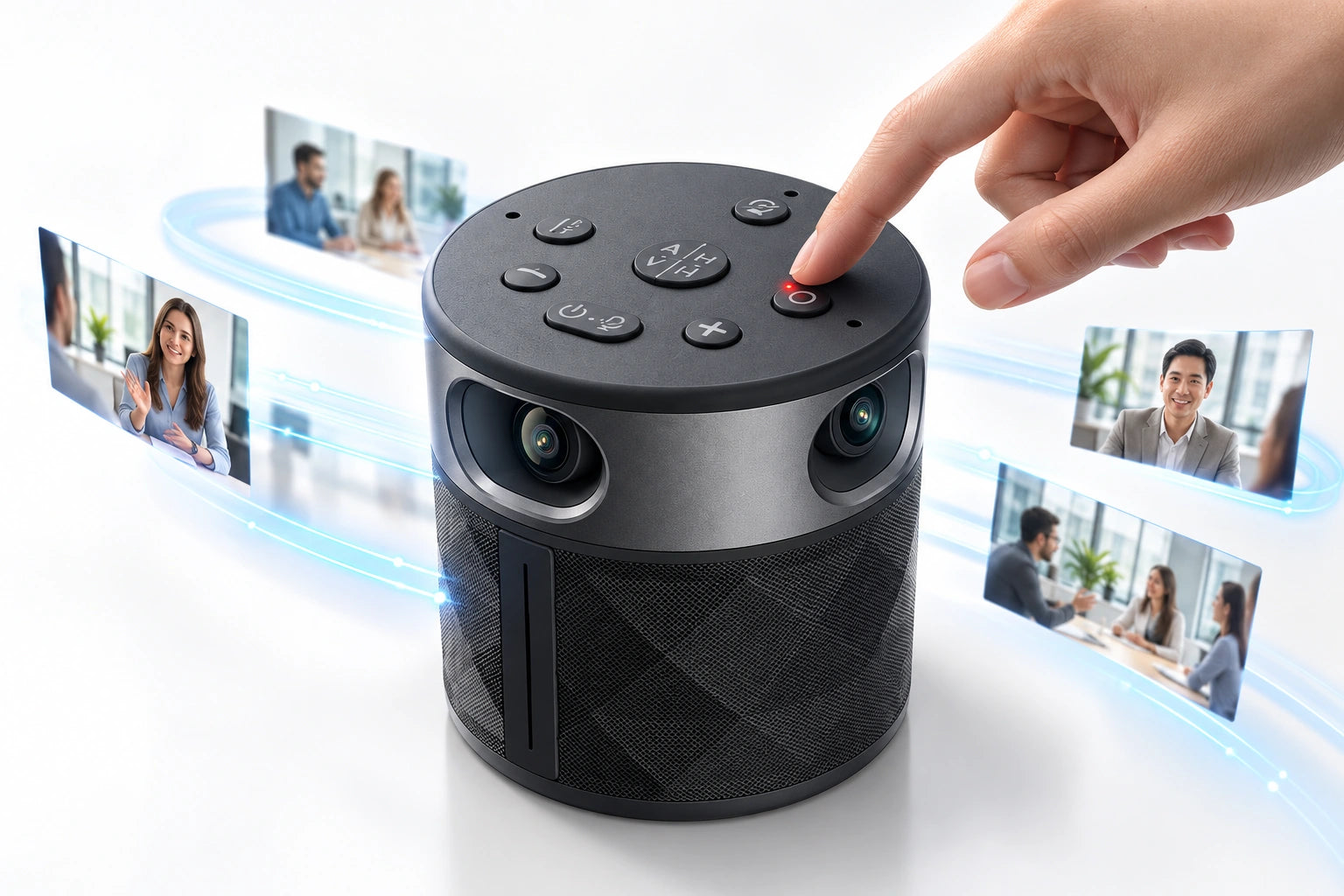
LOCAL MEETING RECORDING
Record in-person meetings in 1080p video and audio, straight to microSD—even while using PANOCORE as your USB meeting camera. Long-press Record to start.
microSD up to 128 GB, sold separately. USB power required.
Saved as 2-minute clips. Learn how to combine your recording clips into one video.
THE DETAILS, CLEARLY LAID OUT
Made for teams that want natural hybrid meetings with a familiar USB connection.
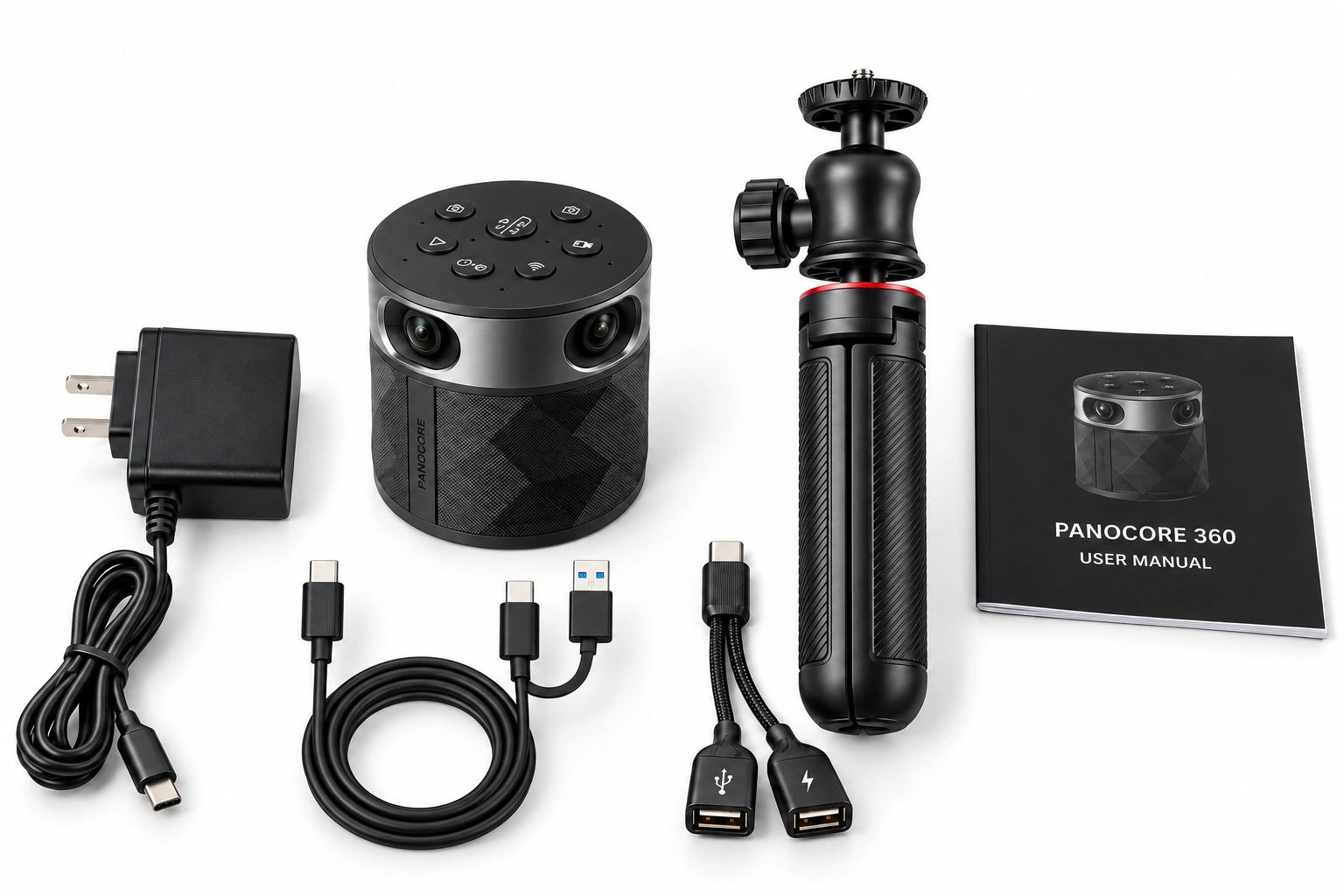
microSD card sold separately.
GOOD TO KNOW
Everything you need to get your team’s next meeting started.
No. The camera, automatic speaker tracking, microphones, speaker, and local recording work without a paid subscription. This page describes PANOCORE 360 Classic hardware.
Yes. Move the camera and tabletop tripod, connect the USB cable to your computer, and select PANOCORE in your meeting app. Keep the camera’s view unobstructed and people within the microphone pickup range.
Use PANOCORE with software that supports USB cameras and audio devices, including Zoom, Microsoft Teams, Google Meet, and Webex. Select PANOCORE for the camera, microphone, and speaker.
Video and audio are stored on your microSD/TF card as 2-minute clips. The camera supports cards up to 128 GB, sold separately. Copy the clips to your computer and merge them in order with an open-source tool such as LosslessCut when you want one complete video.
Bring PANOCORE 360 to the room you’re in.