

Your voice, isolated.
On-chip VEA separates your voice from surrounding noise for clearer recording, Voice Keyboard and calls.
Voice IsolationChip Level ProcessingClearer Input

 OSO AI
OSO AI
OSO AI


ON-CHIP VOICE AI × OSO AI HUB = OSO Power of 2
OSO² are AI earbuds built for clearer conversations and simpler work. An on-chip Voice Enhancement Mic and dual-channel recording capture your voice and device audio. OSO AI Hub turns conversations into transcripts, summaries, and next steps.


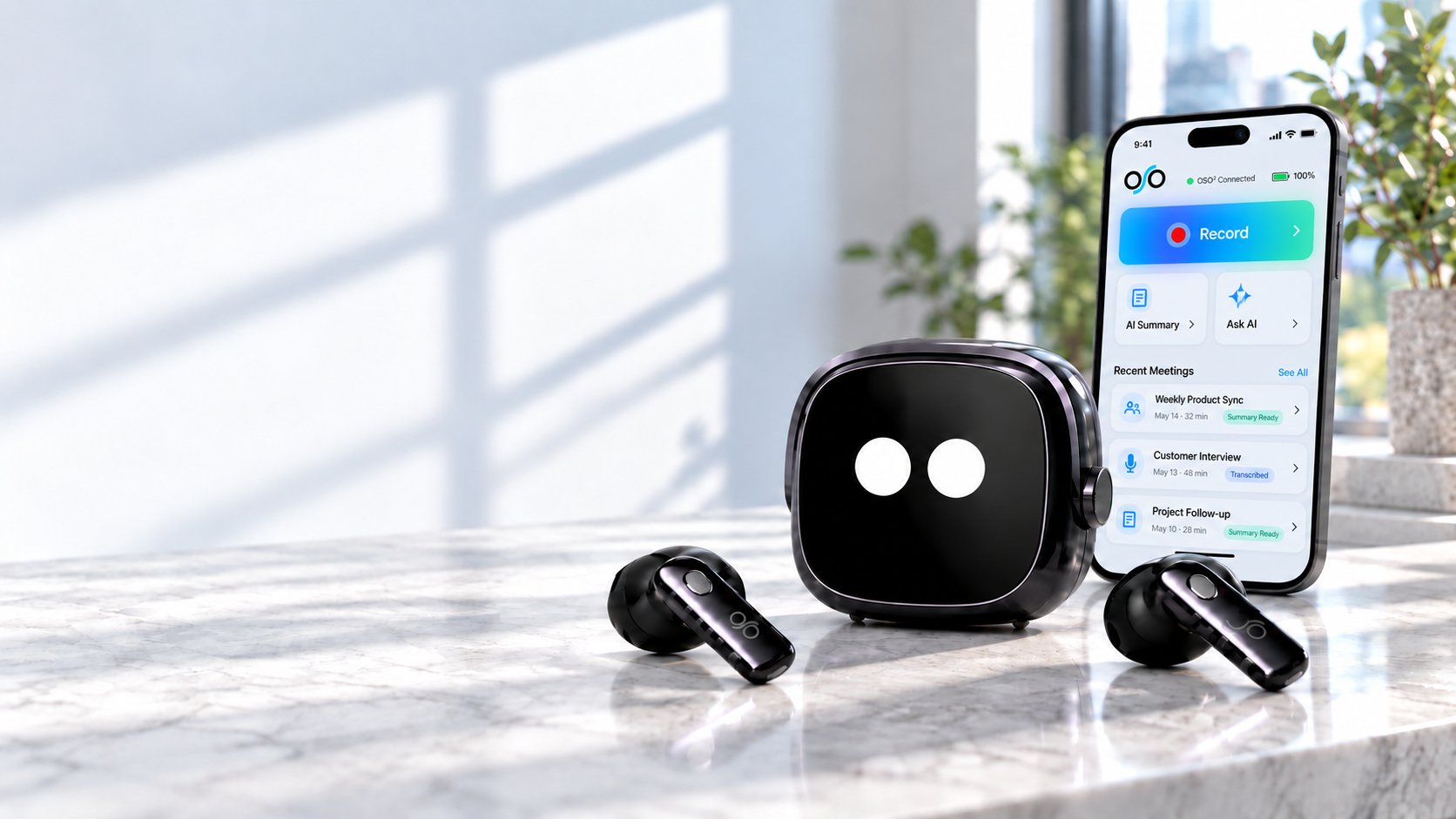
On-chip Voice Enhancement Algorithm meets OSO AI Hub, turning conversations into work you can use.
Voice enhancement and dual-channel capture work together at the source.
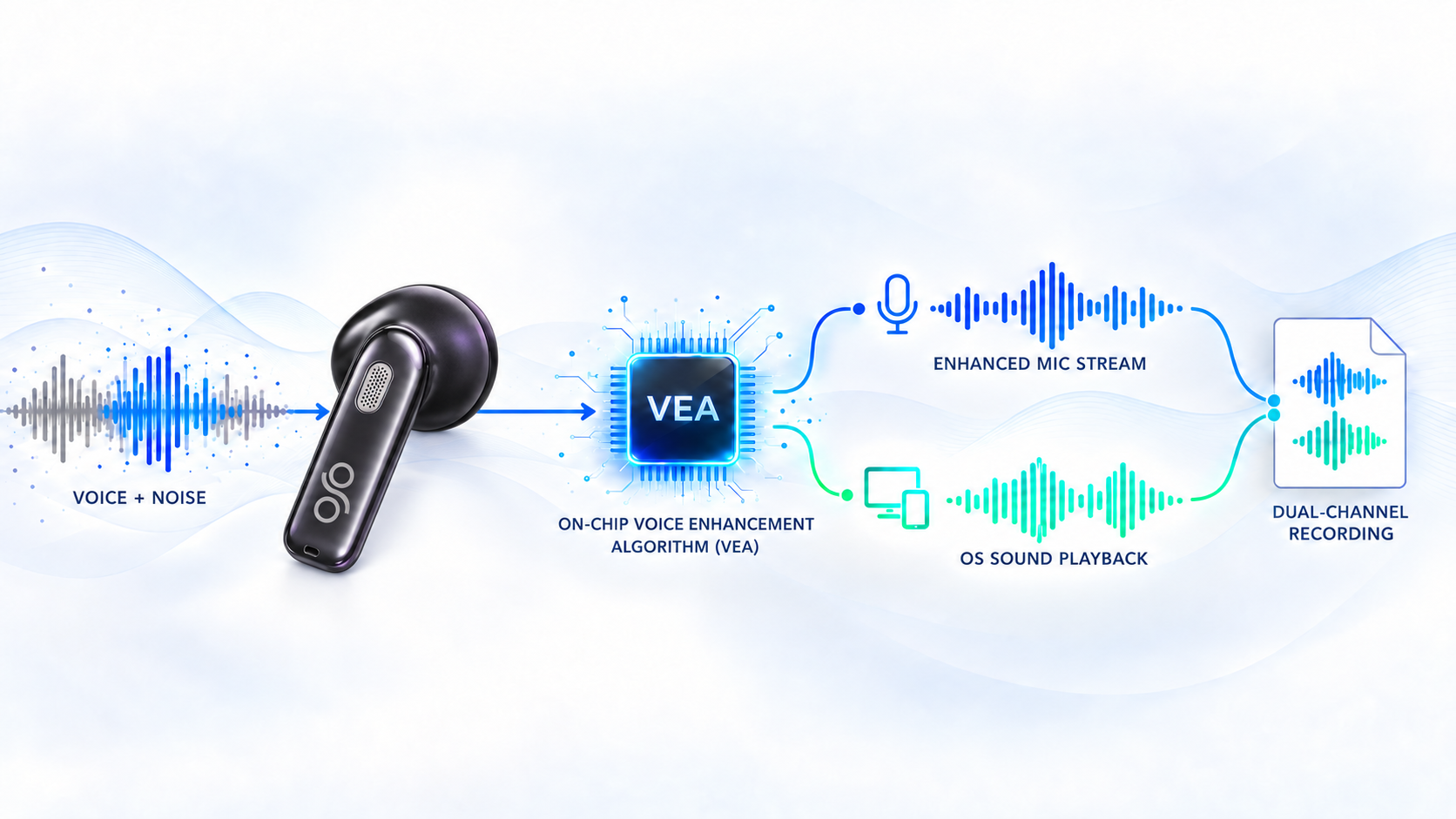
On-chip VEA separates your voice from surrounding noise for clearer recording, Voice Keyboard and calls.
The mic captures your enhanced voice. A second channel captures audio playing through your device.
Four hardware details, one at a time: sound, smart case controls, charging and your phone-to-computer workflow.
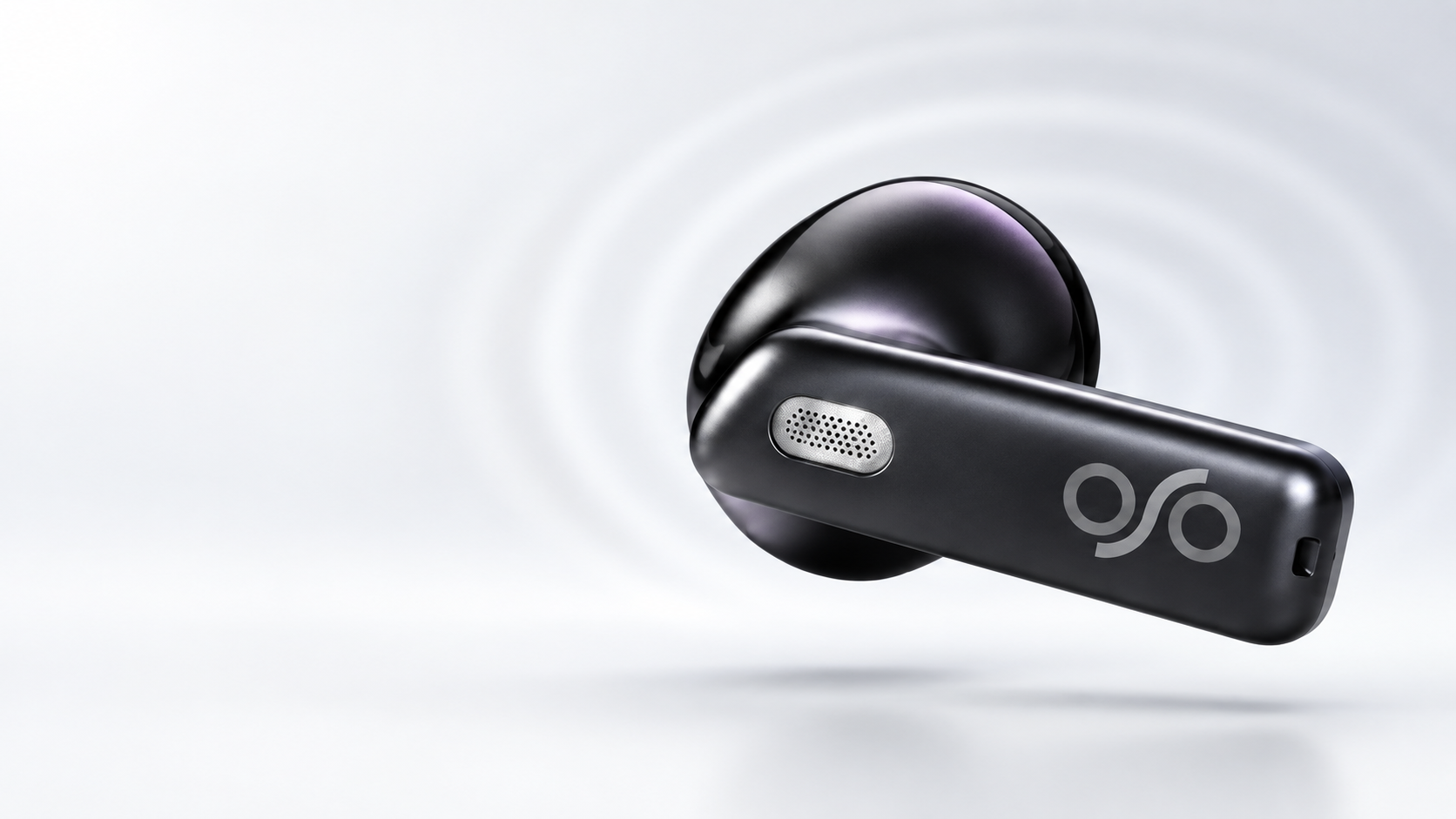
A 13 mm dynamic driver and boosted-bass tuning bring fuller sound to music, calls and everyday listening.
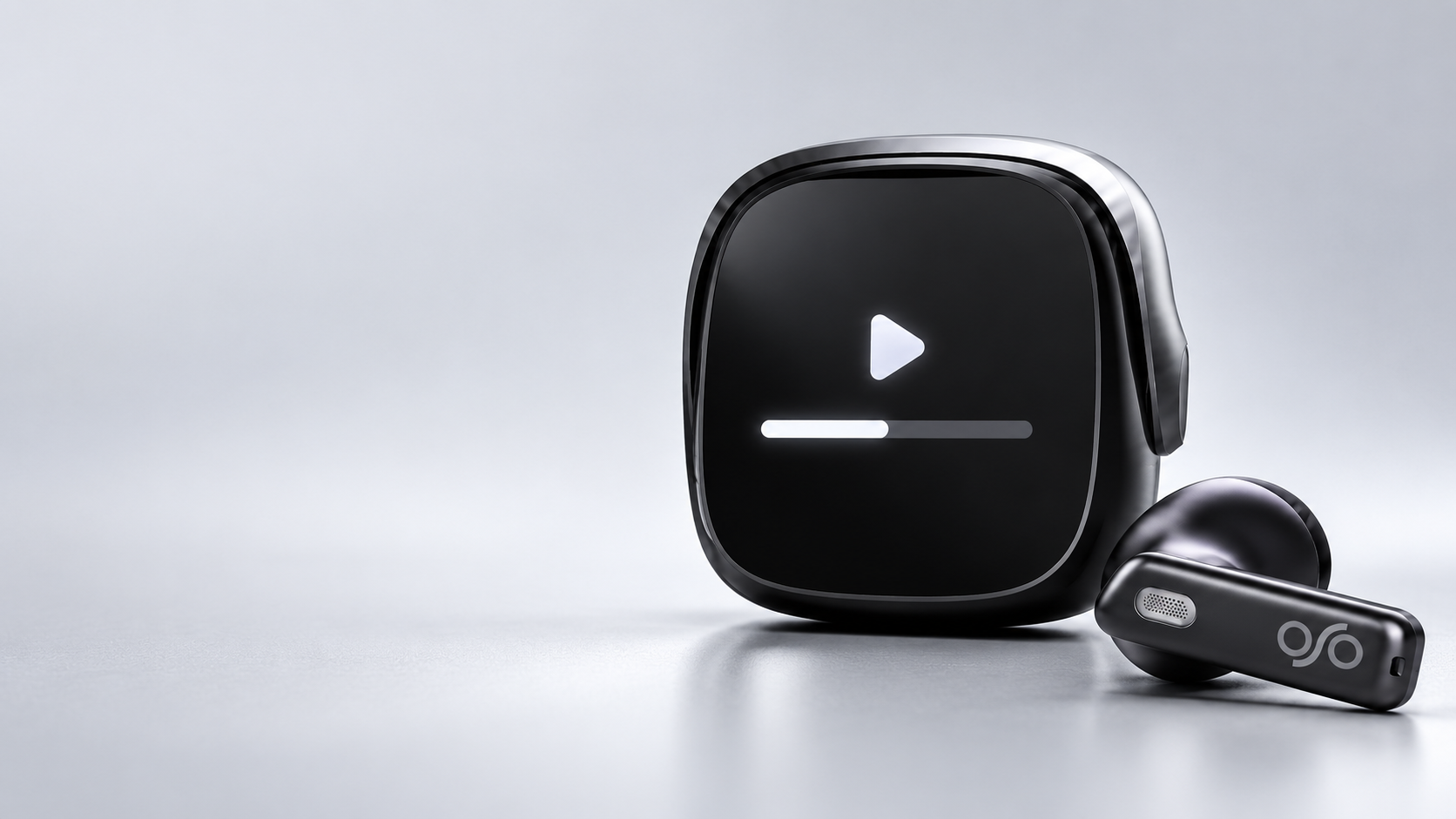
The screen puts essential controls within reach between meetings.
Screen UI is a concept; final controls to verify.
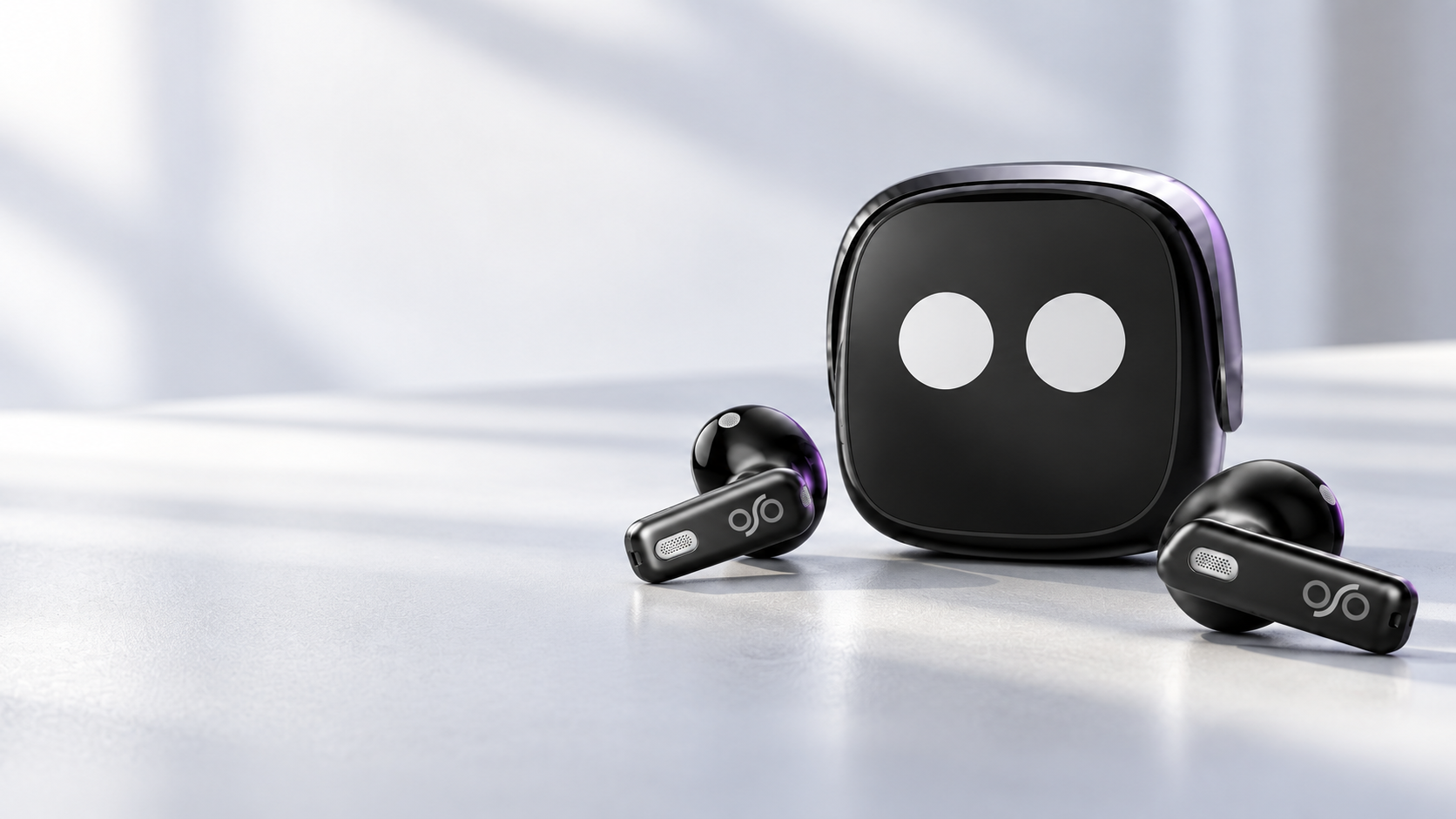
Music lasts up to 16 hours in stereo or 32 hours in mono. Record for 4 hours, or up to 13 hours with the case.
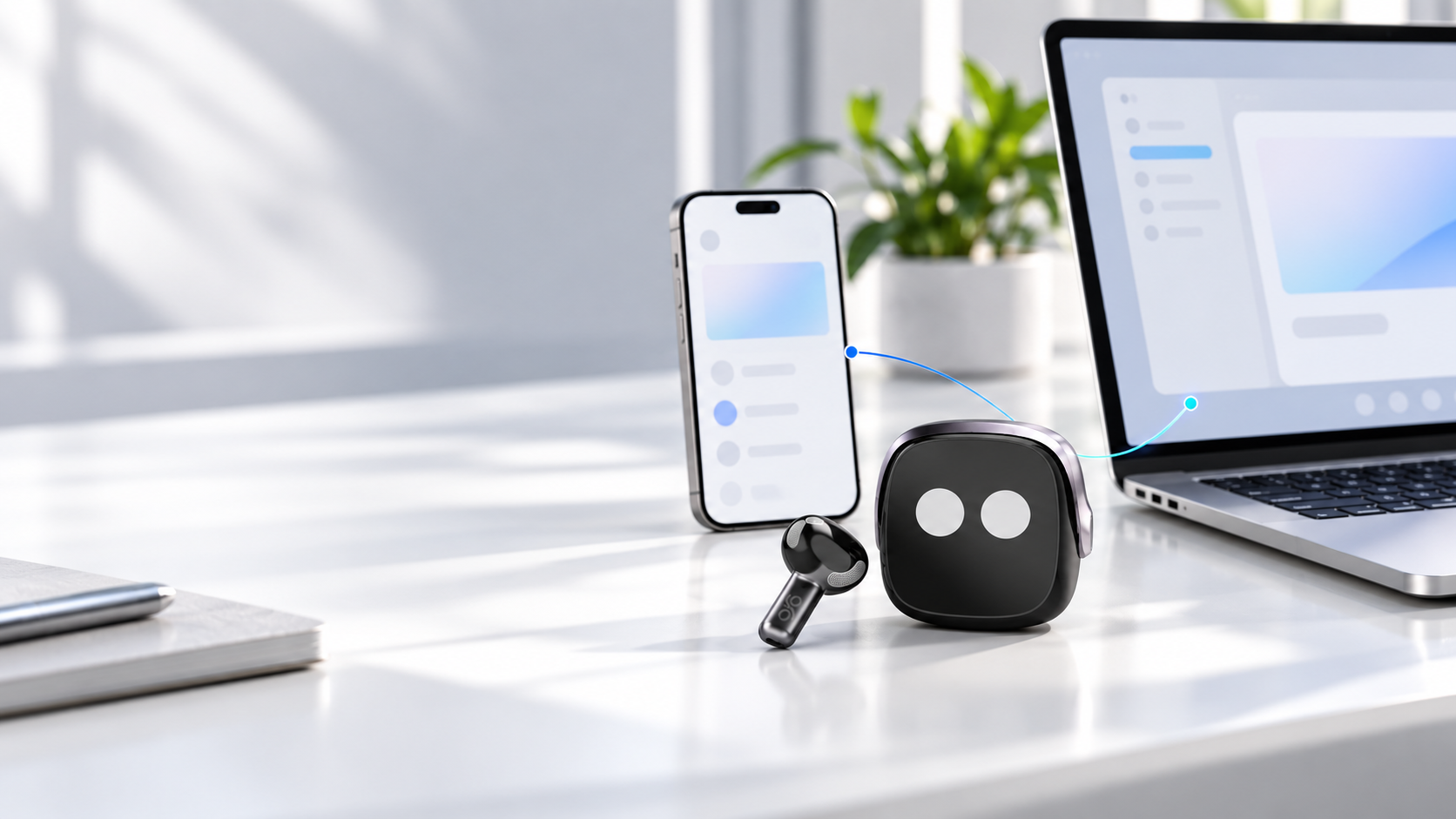
Connect OSO² to two Bluetooth devices and hot-switch between your phone and computer as work moves.
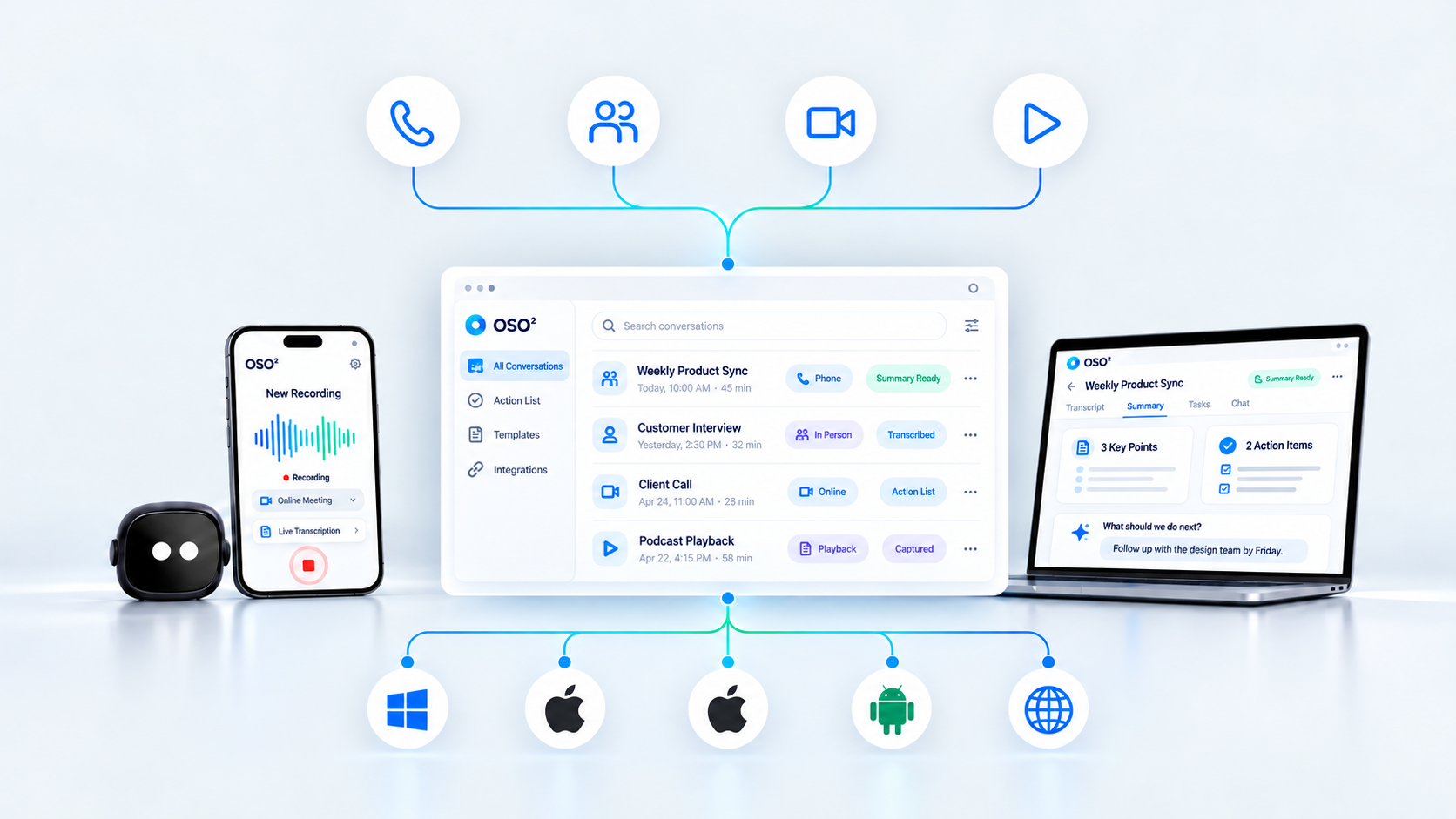
Capture across your day, then find conversations together in OSO AI Hub.
Follow every word live, turn the conversation into a clear summary, then act on what comes next.
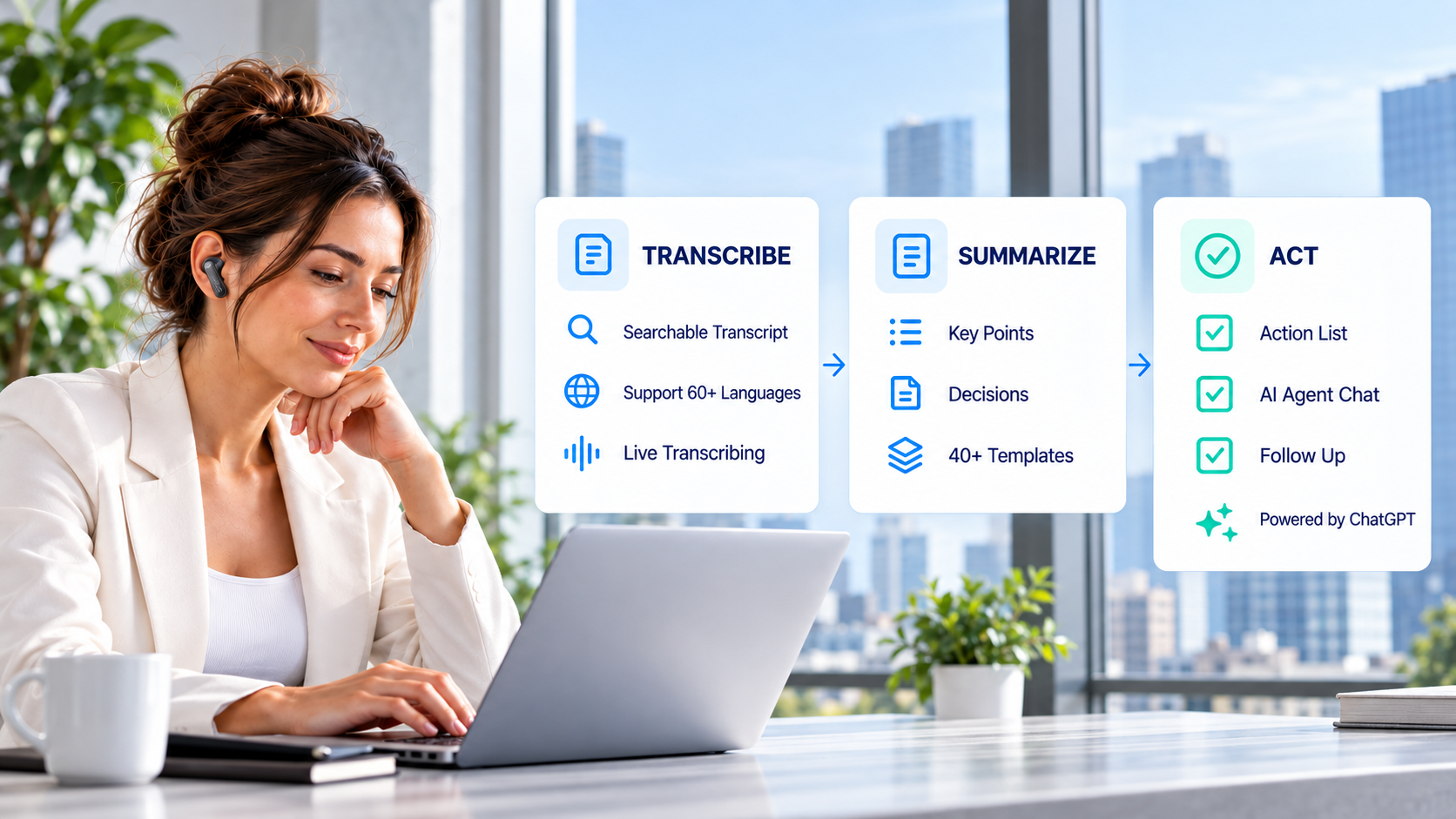
Follow the conversation as it happens and return to any moment later.
Turn the full conversation into structured information you can use.
Turn meeting context into the next action without starting over.
Ask OSO AI to search across your meeting history and prior knowledge, then turn what it finds into ready-to-use content in your preferred language.
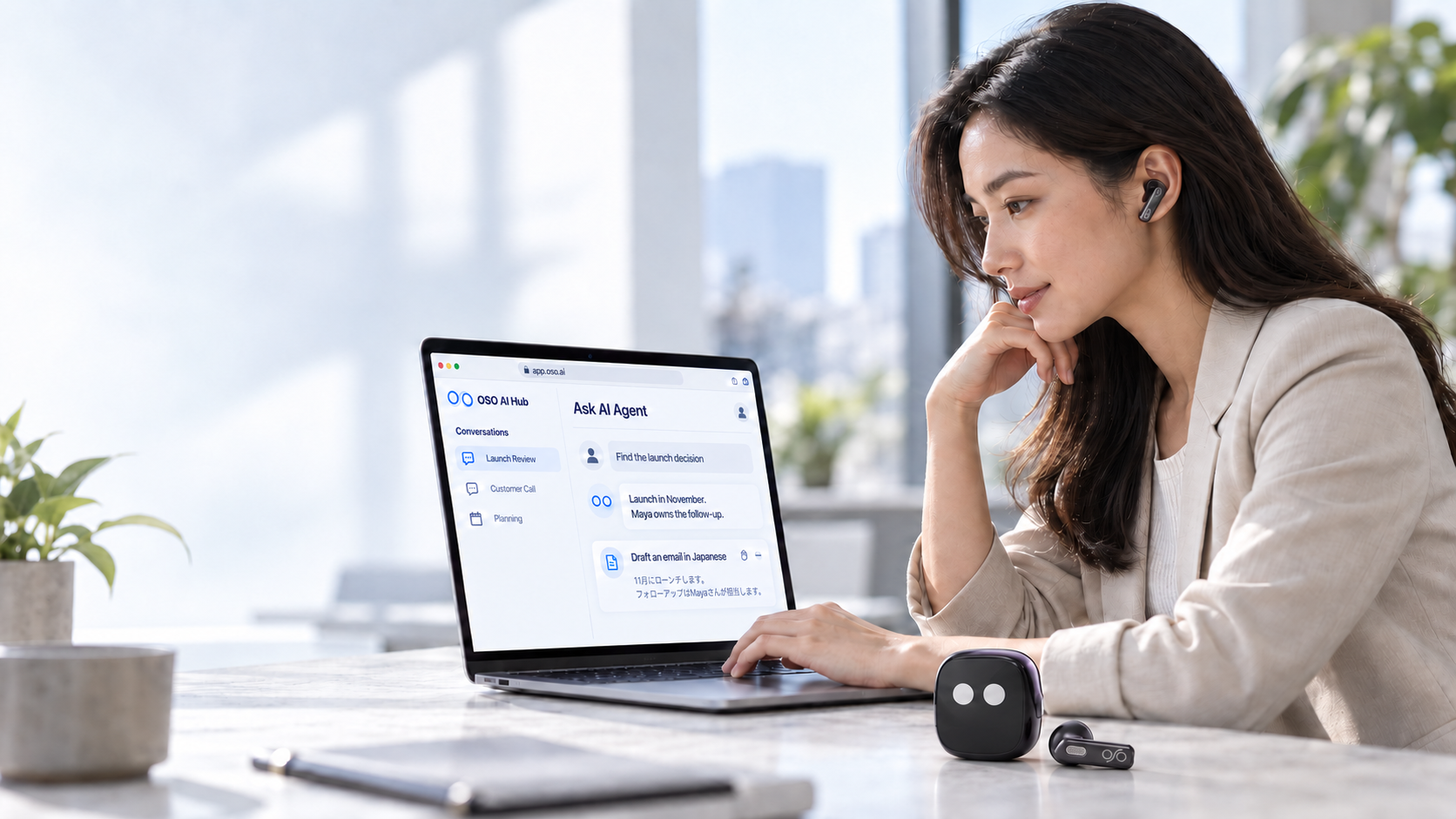
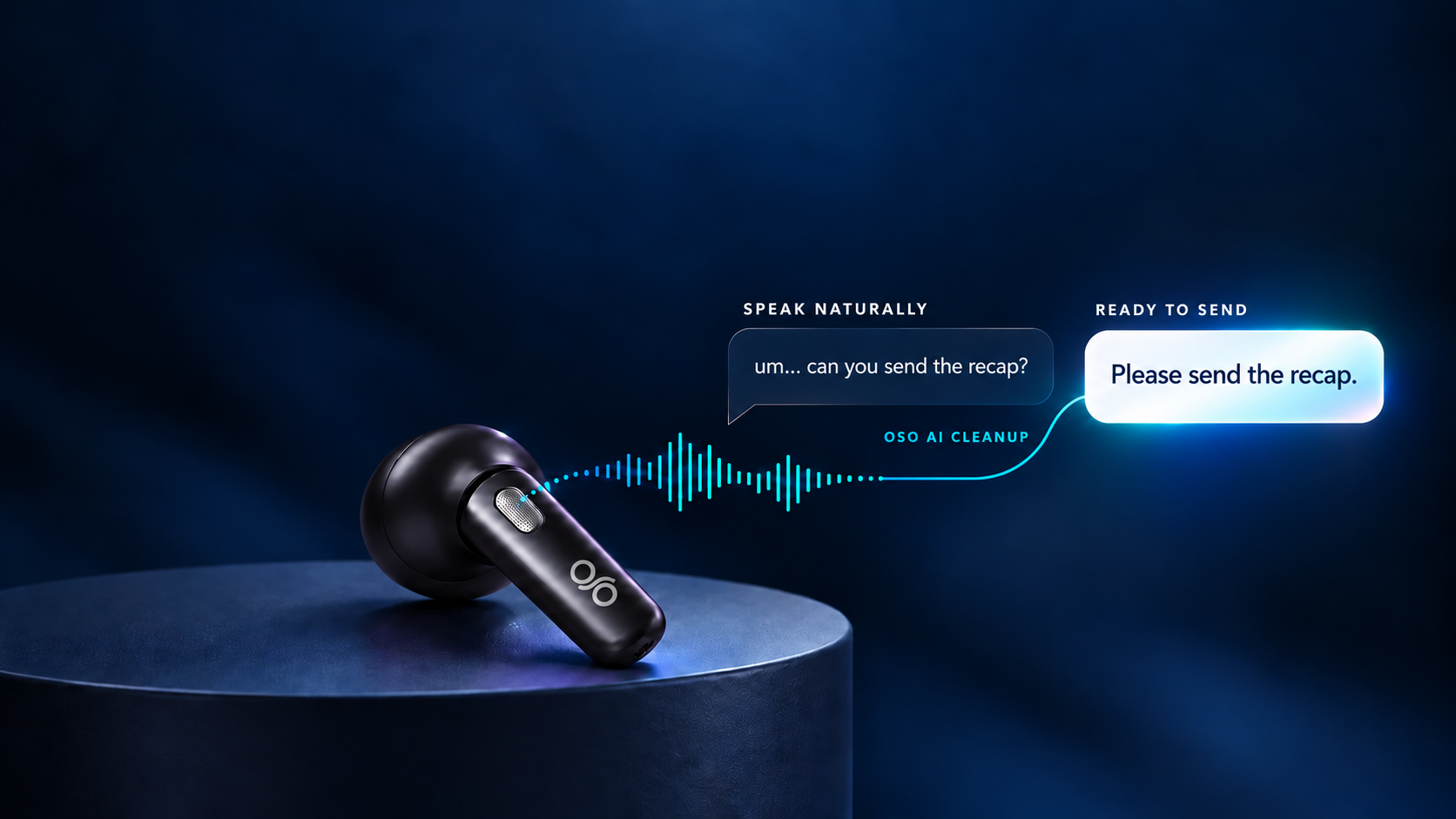
Voice Keyboard brings four modes to any app: Transcribe, Polish, Agent Write and Translate.
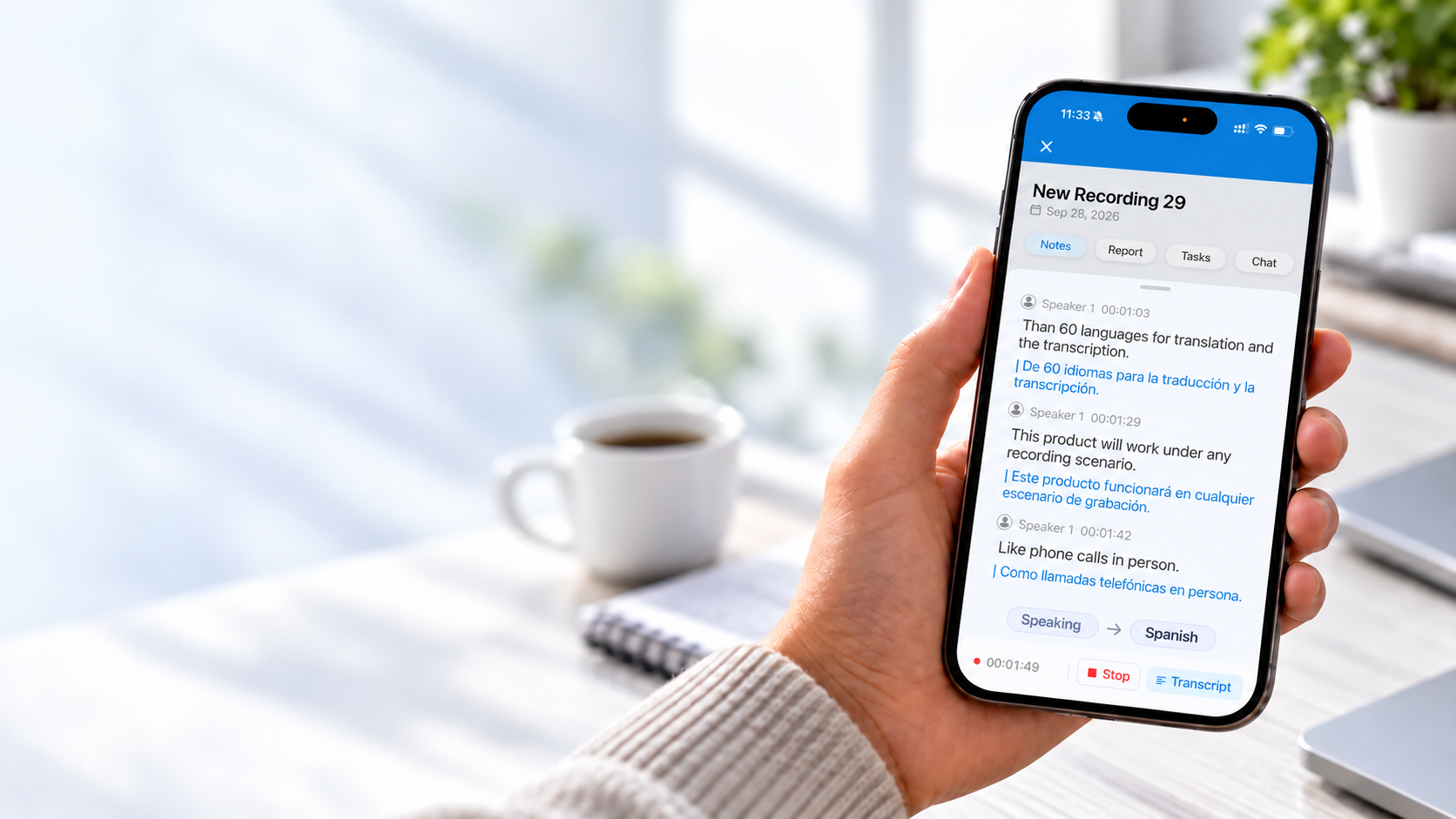
See the original conversation and its translation together on screen in real time—from face-to-face conversations to phone calls.
See the words and translation together on your phone as the conversation unfolds.
Hardware, AI software features and plan access in one easy place.
Confirmed hardware specifications and everything included in the box.
AI software features available across the OSO experience.*
* Feature and function availability is subject to change.
The cards below are a simplified overview of the current OSO AI plans.
300 min / month
Live transcription, summaries, action lists, search, AI Meeting Bot Notetaker and core Voice Keyboard.
2,000 min / month · billed yearly
Everything in Basic, plus 40+ report templates, AI Chat, live translation, advanced AI models, more powerful Voice Keyboard modes and MCP connection to your current AI workflow.
Unlimited transcription · billed yearly
Everything in Premium, plus CRM Automation, 7,000+ app integrations, team administration and priority support.
Prices shown are monthly equivalents when billed yearly. Usage limits and feature availability are subject to current plan terms.
Short answers to the things people ask before bringing OSO² into their workflow.
OSO’s on-chip Voice Enhancement Algorithm isolates your voice from surrounding noise before it reaches recording, Voice Keyboard or calls.
One channel records the enhanced microphone signal while the second captures OS Sound Playback, so both sides of the conversation stay together.
OSO is designed for phone calls, in-person meetings, online meetings and media playback.
Recordings and transcripts flow into one connected OSO AI Hub workspace with Google Cloud infrastructure and SOC 2 aligned data handling.
OSO AI Hub is designed for iOS, Android, macOS, Windows and Web access.
Yes. Supported conversations can show live on-screen transcription and translation in face-to-face conversations and phone calls, across 60+ languages.
Voice Keyboard lets you dictate in any app, clean up verbal filler, remove repetition and translate text as you write.