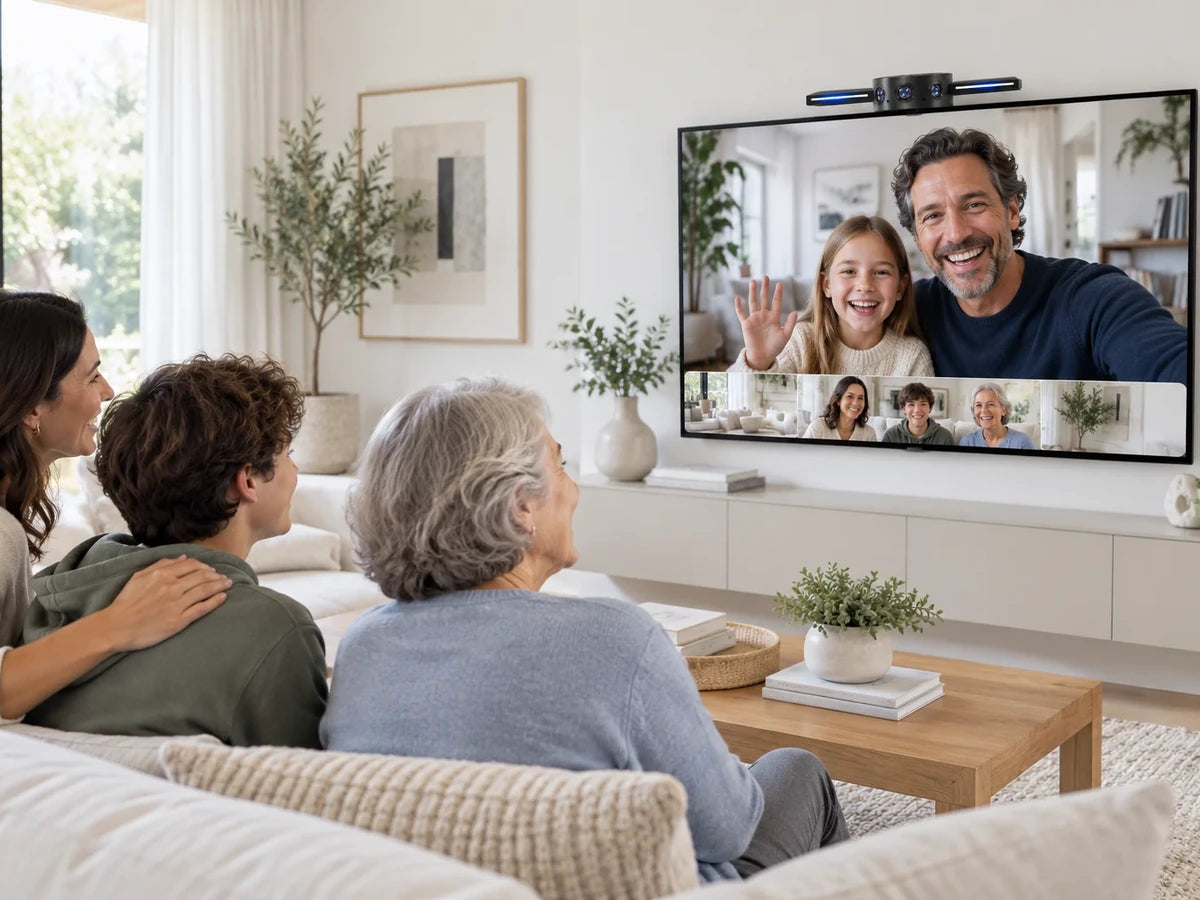
On top of the TV
WING rests on the TV’s top edge. Its front lip meets the upper front edge, while the hinged clip folds down against the back.
 Clip mechanism

 OSO AI


THREE CAMERAS PANOCORE VISION CHIP SIMPLE USB
PANOCORE WING is a 180° USB meeting camera for conversations that stretch across the room. Three cameras are stitched on-device by the PANOCORE Vision Chip into one seamless view, while sound-direction sensing helps frame the active speaker. Connect it like a simple USB camera with the meeting software you already use.
Built-in microphones sense direction for video framing only; WING does not provide meeting audio.


PANOCORE WING / 180° meeting camera
A more complete view of the people in the room—so the conversation feels closer, even when everyone is not in the same place.
01 / COMPLETE COVERAGE
From one end of the table to the other, WING gives remote participants a continuous panoramic perspective. The PANOCORE Vision Chip stitches three camera feeds into one view.

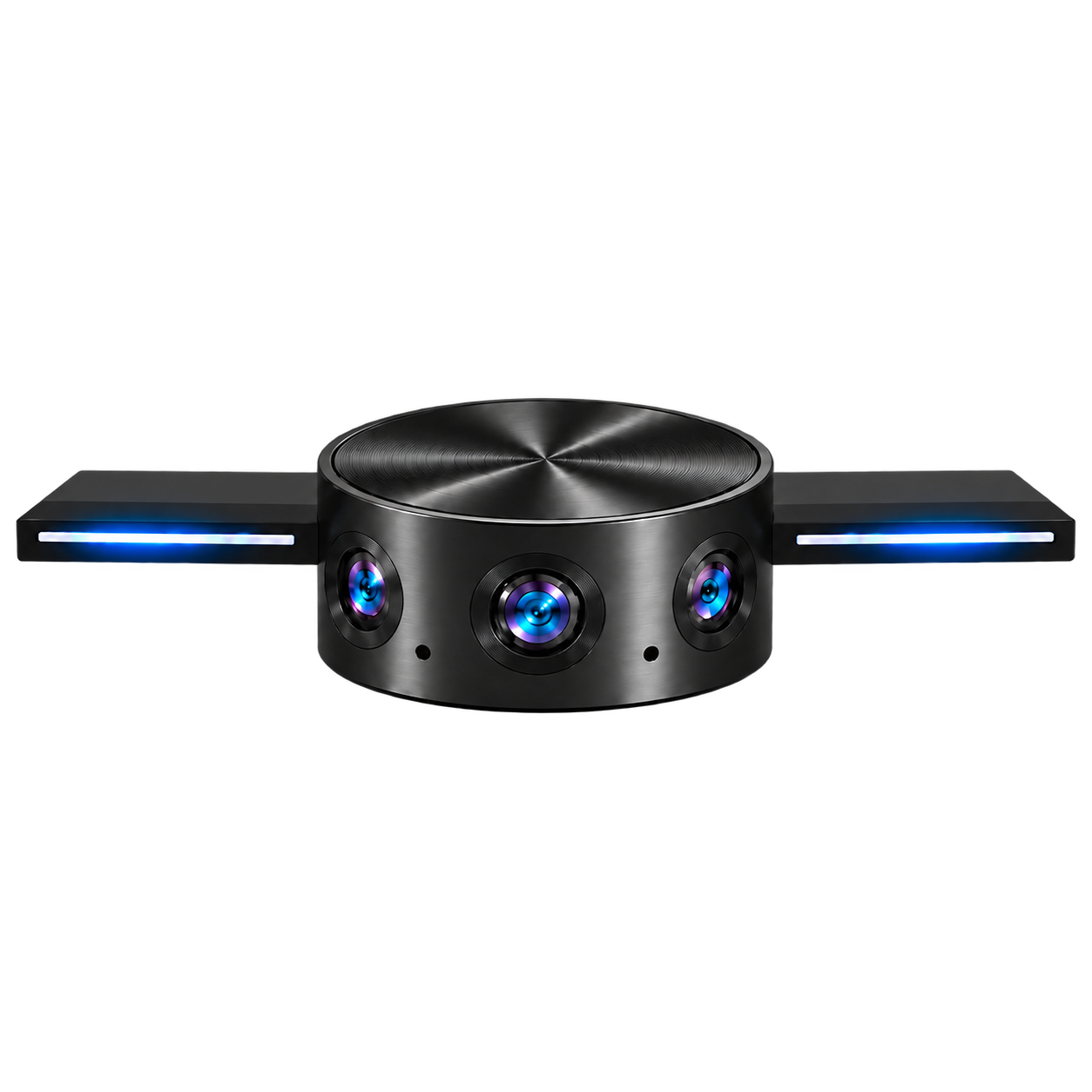
Three lenses. One picture. No separate camera feeds to manage.
02 / THE VIEW THAT FITS
Sound-direction sensing and calibrated video help WING follow the speaker. Switch between a closer view, a closer view with context, and the full panorama.
Follow the speaker while a wide strip keeps the full conversation in sight.
180° PANORAMA03 / EFFORTLESS CONNECTION
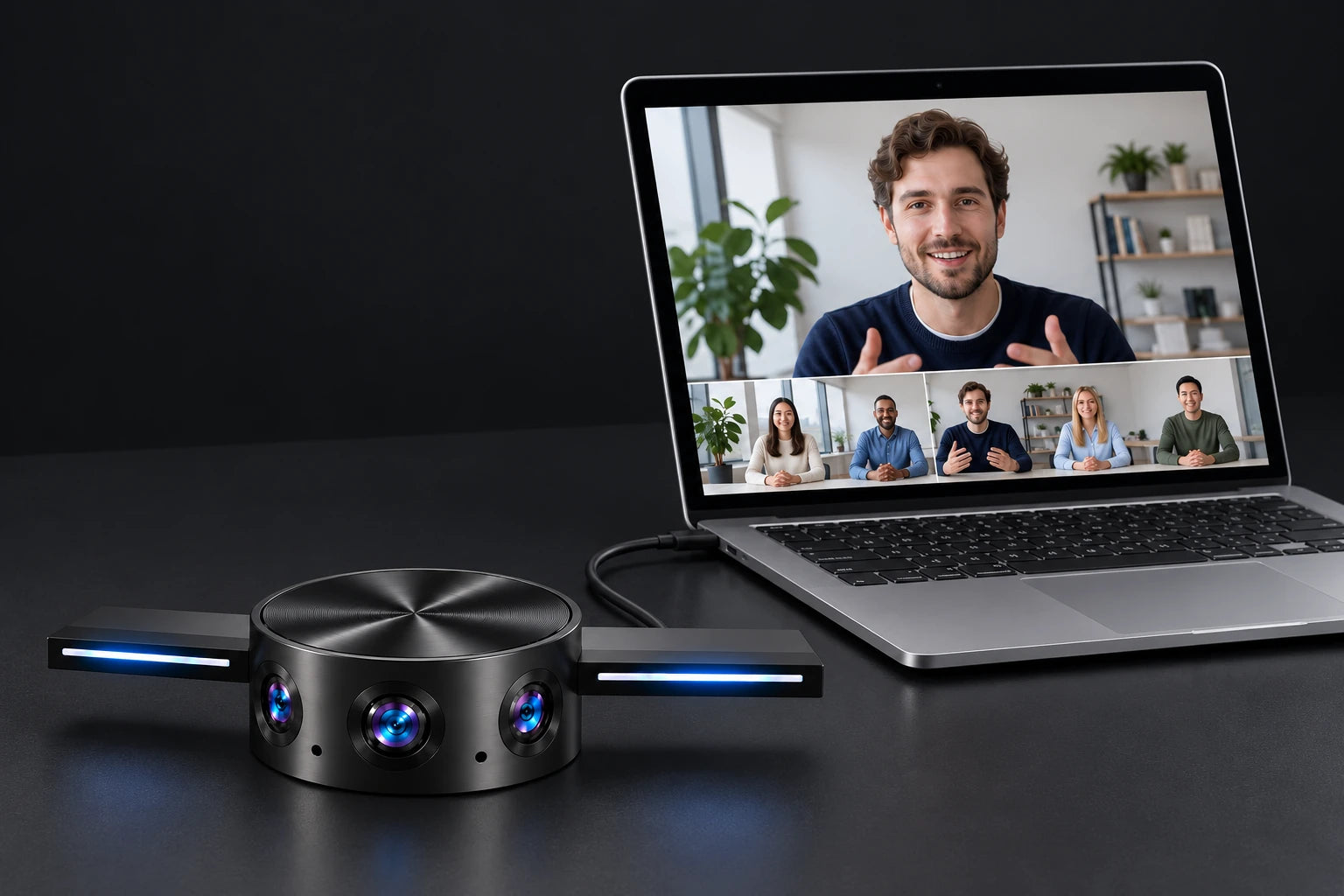
The PANOCORE Vision Chip processes the video in WING. Connect it to your computer like a USB camera, then use video meeting software that supports USB cameras.
04 / PLACE IT YOUR WAY
Clip WING to a TV or use its 1/4-inch camera mount with a compatible support. Choose the position that fits the people and the moment.
WING rests on the TV’s top edge. Its front lip meets the upper front edge, while the hinged clip folds down against the back.
Clip mechanism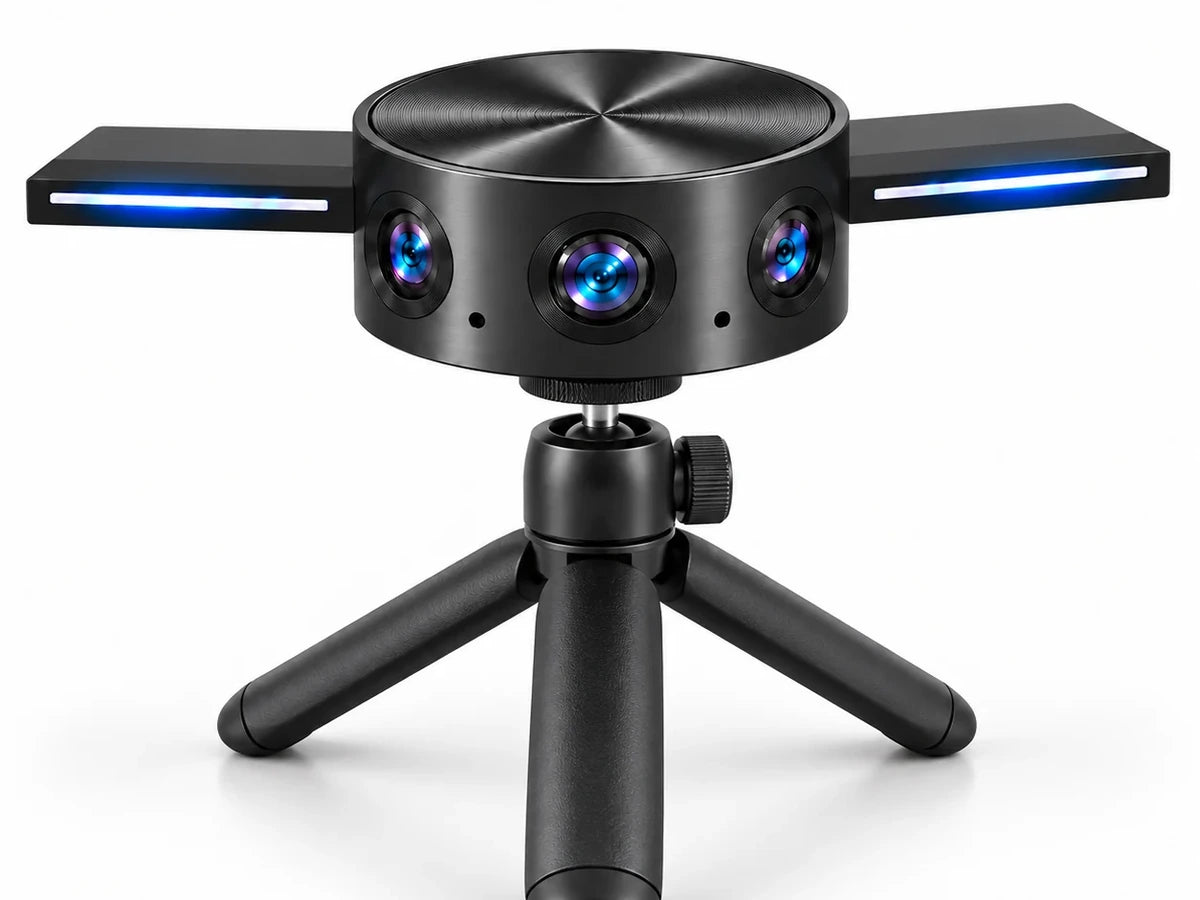
A compact position for a desk or huddle space. The 1/4-inch threaded point is on the underside of WING’s closed folding clip.
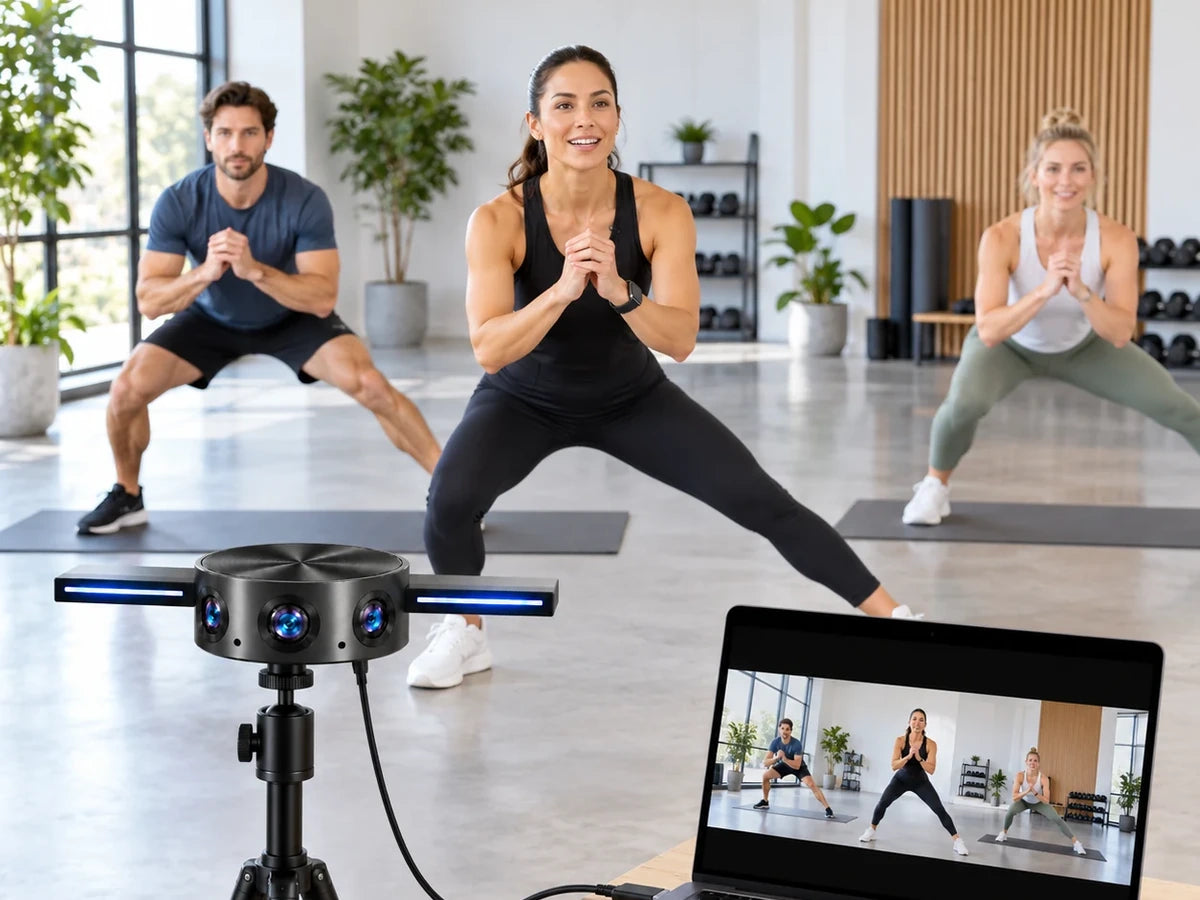
Bring more of a coaching or livestreaming session into the frame. Place WING at a useful height, then connect it to a nearby computer.
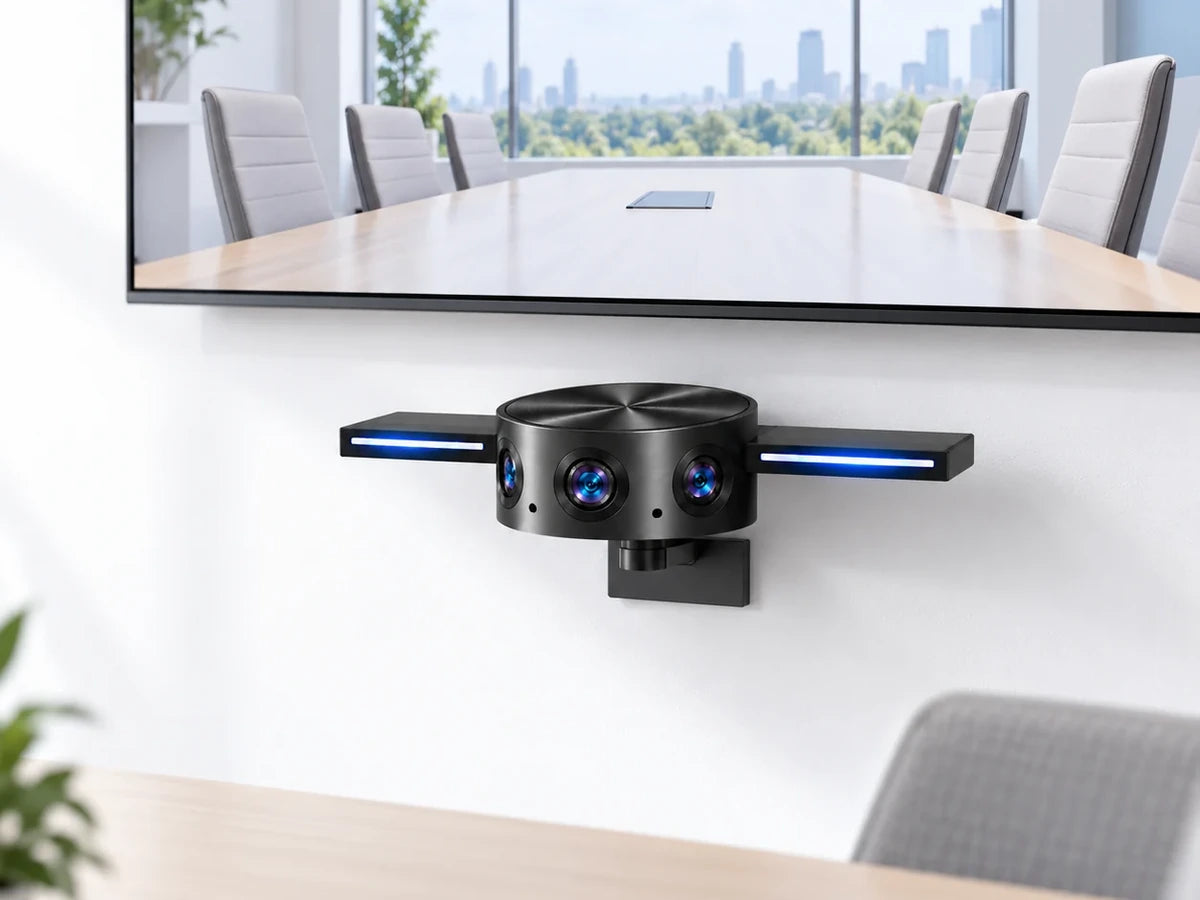
Use a compatible wall-mounted camera support to place WING below the display, with a clear gap between the camera and the TV.

PRODUCT DETAILS
A closer look at WING’s video, tracking, and physical setup.
GOOD TO KNOW
Use WING with video meeting software that supports USB cameras. Select WING as your camera in the app’s video settings.
WING receives power and sends video through its USB connection. Its video stitching and speaker focus are processed on the PANOCORE Vision Chip in the camera.
Yes. The included cable has USB-C connectors at both ends, and the included USB-C-female to USB-A-male adapter supports a USB-A computer port.
No. Its microphones detect speaker direction for video framing only; WING does not send microphone audio to the meeting app. Use your computer or separate audio equipment for call audio.
The camera’s front lip rests at the top front edge of the display. A short hinged clip at the rear folds down to brace against the TV’s back.
No. The tabletop tripod, floor tripod, and below-TV wall mount shown on this page are separate accessories. WING includes a 1/4-inch threaded mounting point for compatible supports.